Somewhere right now, someone is sitting at their kitchen table, trying to merge their passport scan with a bank statement so they can email both to a mortgage broker in one tidy file. They open Google, type "merge PDF free," click the first result, and drag their documents into a browser window. A progress bar spins. A few seconds later, they have their merged file.
What they don't see is the part in between. The part where their passport, their name, their date of birth, and their bank account details traveled off their laptop, across the internet, and landed on a server owned by a company they'd never heard of ten seconds earlier.
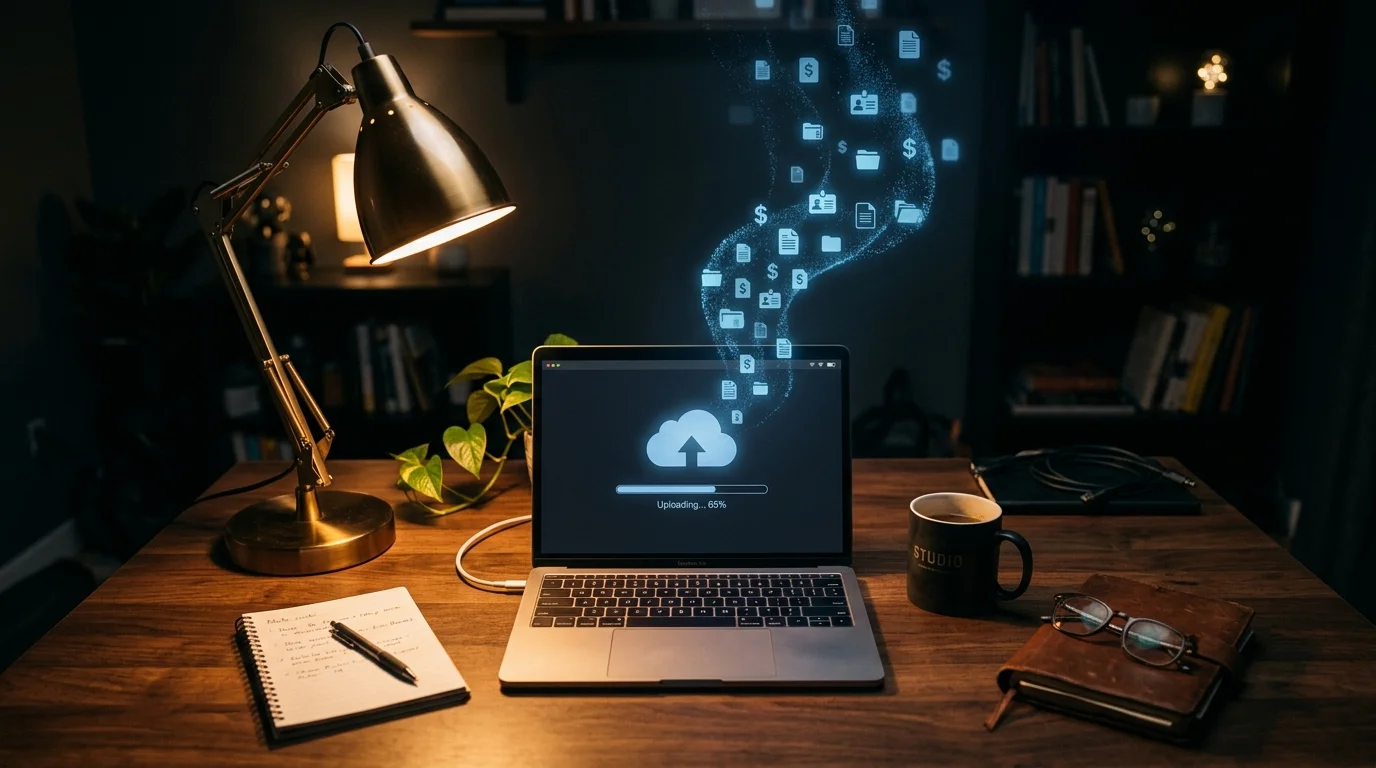
This happens millions of times a day. Tax returns. Signed contracts. Medical records. Divorce papers. Passport and driver's license scans. People upload some of the most sensitive documents of their lives to free web tools without a second thought, because the interface looks clean and the button says "Merge Now."
Most of these tools aren't malicious. But that's almost beside the point. The moment a file leaves your device, you've lost control of it. You don't know how long it sits on that server. You don't know if it's backed up somewhere, scraped by a bot, or sitting in a bucket that isn't configured correctly. You're trusting a stranger's infrastructure with information that, in the wrong hands, could be used to open a fraudulent credit line in your name.
In 2026, with data breaches now a near-weekly headline and regulators finally catching up to how careless the internet has been with personal data, the old habit of "just upload it, it's fine" isn't fine anymore. It never really was.
The Technical Breakdown (Made Simple)
Here's where the phrase "client-side processing" comes in, and it's worth actually understanding what it means instead of just nodding along.
Every website you visit sends two kinds of code to your browser: code that describes what the page looks like, and code that makes the page do things. That second part is usually JavaScript, and your browser doesn't just display it — it runs it, locally, on your own machine, using your own computer's processor and memory.
A tool built on client-side processing takes your PDF and does the entire job — merging, splitting, rotating, whatever it is — using that JavaScript running inside your browser tab. Your file is loaded into your computer's own memory, manipulated there using the same engine that renders the page, and then handed back to you as a download. It never gets packaged into a network request. It never gets sent anywhere.
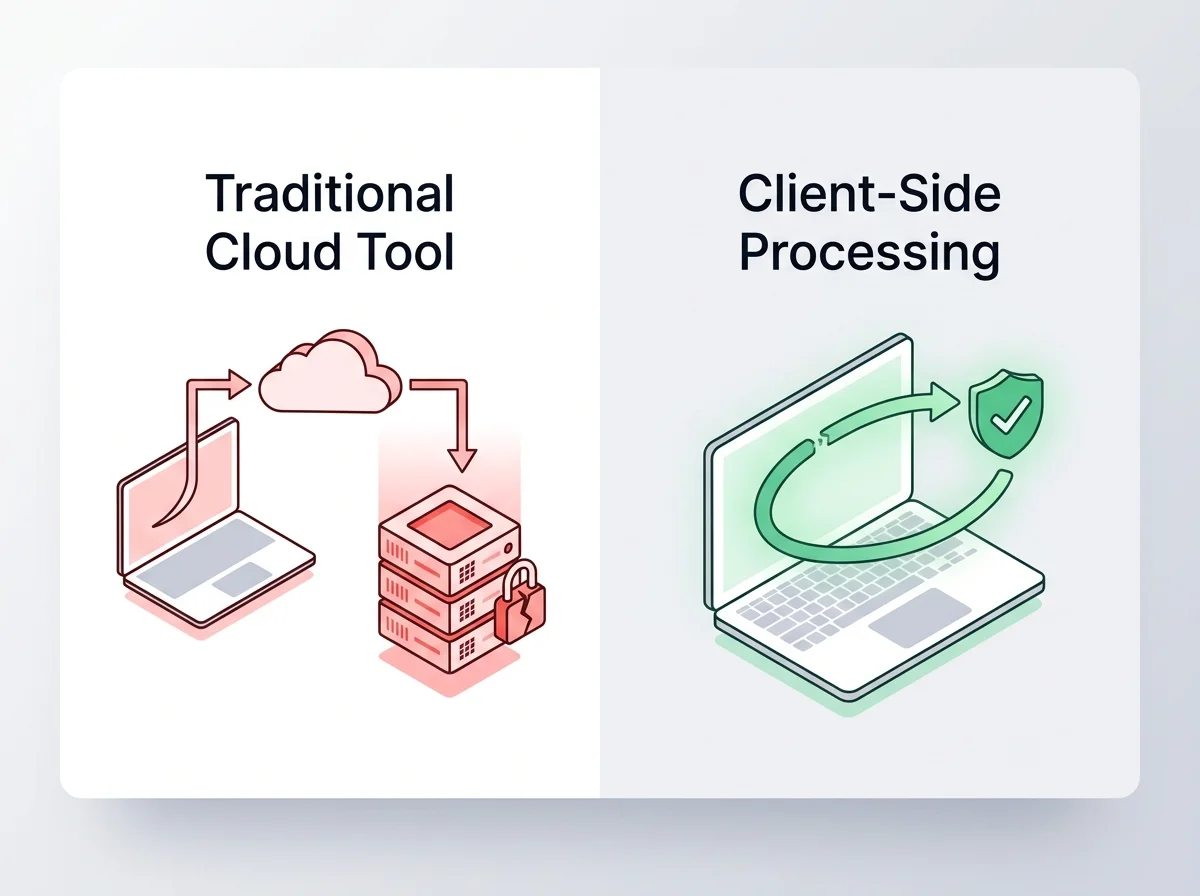
This is why the claim "we don't keep logs" is a much bigger deal than it sounds. It's not that a privacy-first tool promises to delete your file after processing it — it's that there is no server-side event to log in the first place. There's no upload endpoint that recorded your IP address next to a filename. There's no temporary storage bucket that a misconfigured permission could expose. There's no database row that a future breach could leak. The absence of a server in the loop isn't a policy. It's an architecture. And architecture is much harder to violate than a promise.
Four Real-World Scenarios Where a Leak Ruins Something
It's easy to treat "data privacy" as an abstract concern until you picture the specific, ordinary situations where it actually bites.
- 1. The passport merge that becomes an identity theft kit. Someone merges a passport scan with a proof-of-address utility bill to send to a landlord. If that file sits on a compromised server, a criminal now has everything needed to open a bank account or apply for a loan in that person's name — full name, date of birth, signature, and current address, bundled conveniently into one PDF.
- 2. The NDA that leaks before it's even signed. A startup founder merges a draft NDA with a term sheet before sending it to an investor. If that document is intercepted or scraped mid-process, confidential deal terms, valuation figures, or trade secrets could reach a competitor before the ink is dry, potentially derailing a funding round entirely.
- 3. The tax season nightmare. An accountant handling dozens of clients splits and reorganizes tax PDFs containing Social Security numbers and income details. A single breach at the tool they're using doesn't just expose one person's data — it exposes every client whose documents passed through that same service, turning one careless tool choice into a mass liability event.
- 4. The medical record that costs someone a job or a relationship. Someone rotates and merges scanned medical documents to send to a specialist. If those records leak, sensitive health conditions become permanently searchable information, with consequences ranging from insurance discrimination to deeply personal harm that has nothing to do with why the document was shared in the first place.
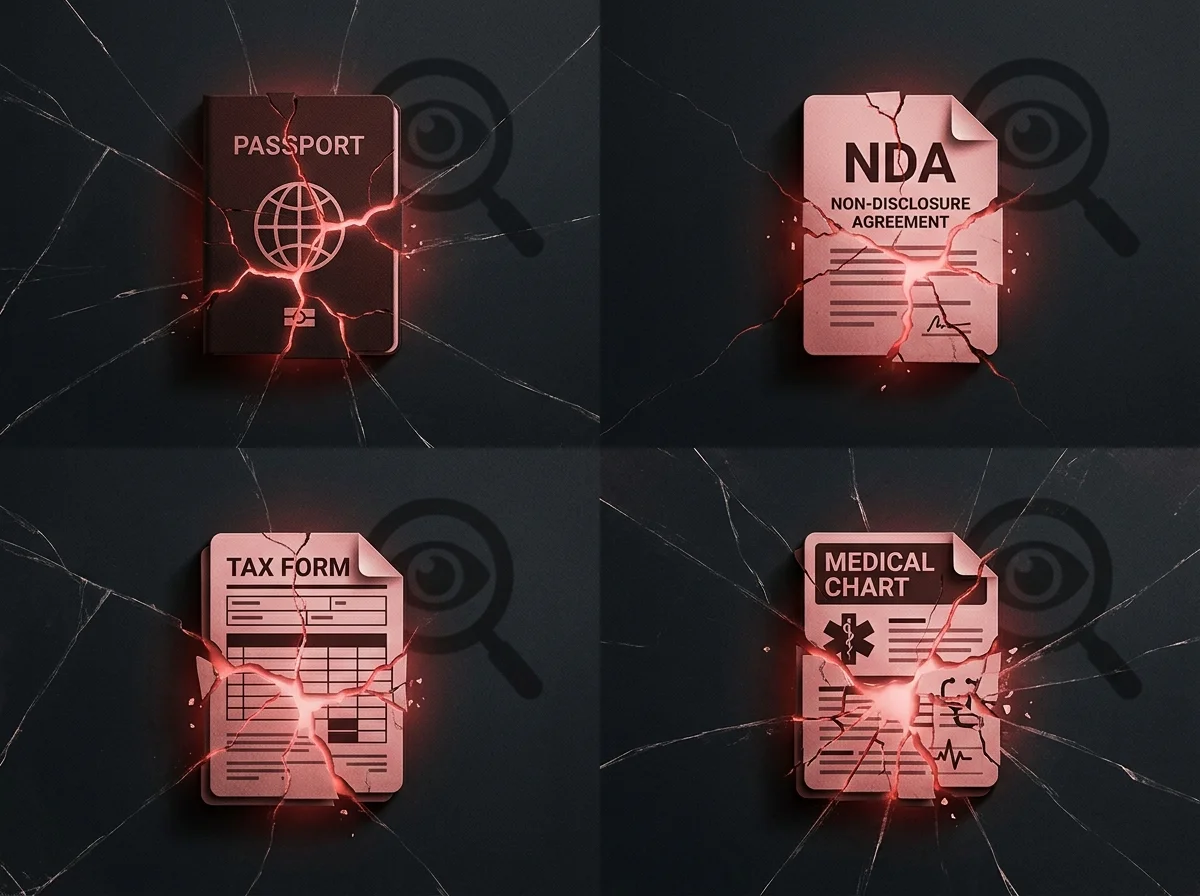
None of these people did anything reckless. They just needed to combine or reorganize a PDF, the way millions of people do every single day. The tool they picked determined whether that ordinary task stayed ordinary or turned into a genuine crisis.
The Performance Angle Nobody Talks About
Here's the part that surprises people: privacy-first tools aren't just safer, they're usually faster too, and the reason is simple physics rather than marketing.
A traditional server-based PDF tool has to upload your file to a remote server, wait for that server to process it in a queue alongside everyone else's files, and then download the result back to you. That's two full trips across the internet, plus processing time on a shared machine that's also handling requests from thousands of other users at that exact moment. If your internet connection is slow, or the server is under heavy load, you feel every bit of that delay.
A client-side tool skips both trips entirely. Your file never leaves your device, so there's no upload wait and no download wait. The processing happens on your own hardware, which — unless you're working from a decade-old machine — is almost always faster for a task like merging or rotating a few PDF pages than waiting on a shared cloud server. For anyone working with large files, spotty airport Wi-Fi, or a slow office connection, the difference is immediate and obvious. It's not a marginal improvement. It's a fundamentally shorter path from "I have a problem" to "it's solved."
An Actionable Blueprint: Spotting Safe Tools vs. Risky Ones
You don't need a computer science degree to protect yourself here. A few quick checks will tell you almost everything:
- Try airplane mode. Load the tool, then switch your device to airplane mode before processing your file. If it still works, your file never left your device. If it fails or shows a network error, it was relying on a server the whole time.
- Watch your upload speed, not just your download speed. If a "quick" tool takes unusually long to process a small file, check whether the delay lines up with your internet upload speed rather than your device's processing power — that's a tell-tale sign of a round trip to a server.
- Read the privacy policy for the word "server." A genuinely private tool will explicitly state that files are processed in-browser and never transmitted. Vague language like "we take security seriously" without specifics is often a sign there's more happening behind the scenes than the company wants to advertise.
- Check for an offline claim. Tools that explicitly say they work offline, or that show a warning like "no internet connection needed after the page loads," are almost always doing the processing locally.
- Look at what happens to large files. Server-based tools often cap file size because they're limited by server storage and bandwidth costs. Client-side tools are limited only by your own device's memory, so they tend to handle large files more gracefully.
None of this requires trust in a company's promises. It requires understanding, even loosely, how the tool actually works — because architecture doesn't lie the way marketing copy can.
The documents that matter most to us — the ones proving who we are, what we own, what we agreed to, and what our bodies are going through — deserve tools built to never let them out of our hands in the first place. That's not a bonus feature. In 2026, it's the baseline.